

Wondering how best to charge batteries for heated clothing? Find our charging instructions on this page.
 Free shipping in NL
  & BE
& BE 
Kostenloser Versand in DE 
Delivered within 3 working days
14-day return period
Wondering how best to charge batteries for heated clothing? Find our charging instructions on this page.
1. Disconnect the battery
Before charging, remove the battery from the garment, gloves or socks. Make sure all connections are correctly disconnected to avoid damage to the battery or garment.
2. Connect the battery to the charger
Use the supplied charger to connect the battery. The charger is specially designed for HEATDRY lithium-ion batteries, so preferably do not use alternative chargers to avoid overheating or damage.
3. Connect the charger to a power supply
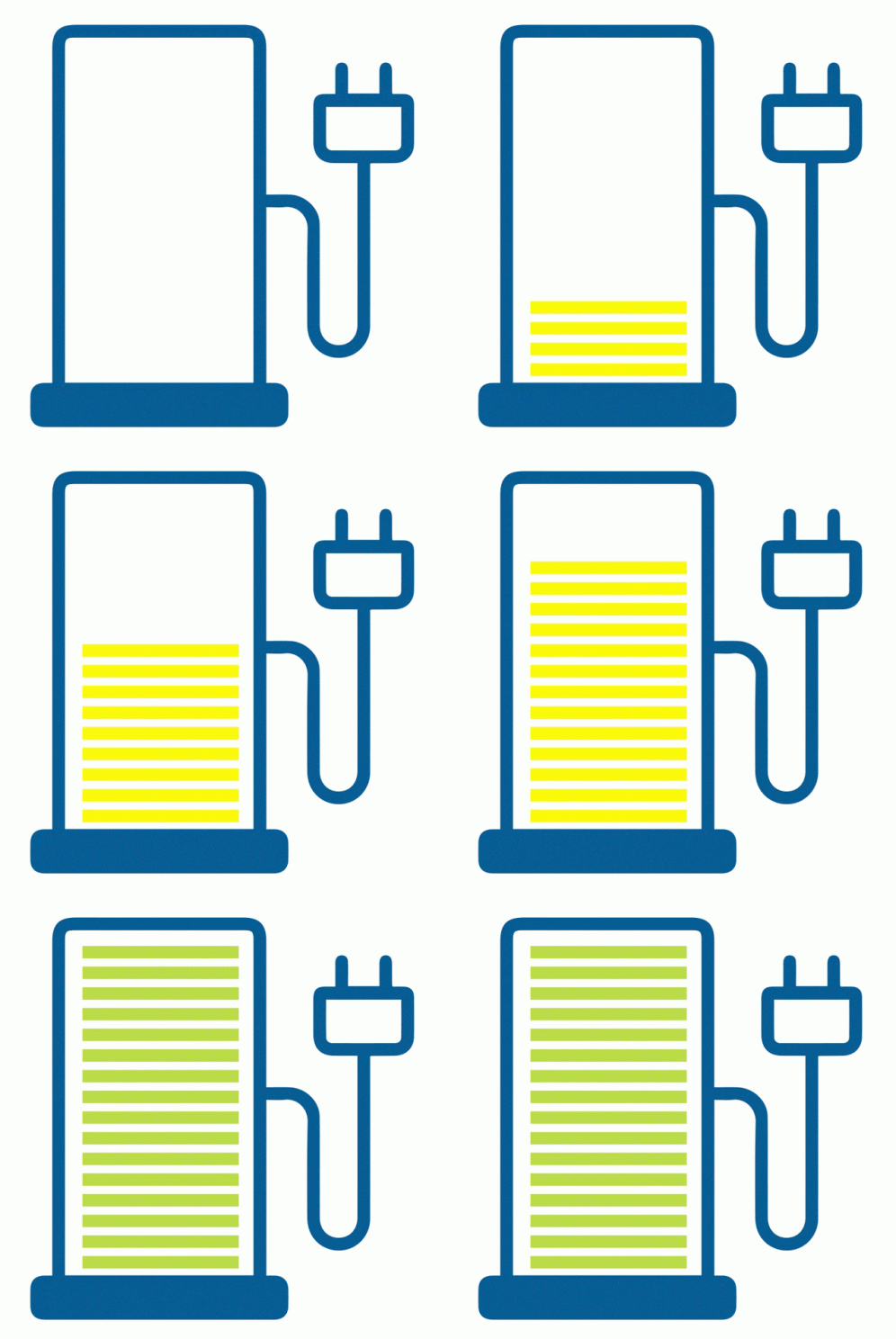
Once the battery is connected to the charger, plug the charger into a wall socket or USB port (depending on the model). The LED indicator lights on the charger indicate whether the battery is charging correctly. When plugged in, the LED light will turn red, indicating that the battery is charging. When the battery is fully charged, the LED light will turn green.
It is strongly discouraged to charge the battery while it is still inside the clothing. Always disconnect the battery to avoid damaging the heat elements or overheating.
If the battery has visual damage, such as cracks or deformation, it should not be charged. Also, make sure the battery has not been exposed to extreme heat or cold before charging as this may affect its safety. Always charge the battery at room temperature to ensure its quality and longevity.
Our batteries come with an automatic switch-off function that prevents them from overcharging. Nevertheless, it is a good idea to disconnect the battery once it is fully charged to extend its life.
Lithium-ion batteries perform best at room temperature. Charging in extremely cold conditions can slow down the charging process or even damage the battery. Preferably charge your battery in an environment with a temperature between 10°C and 30°C.
No, never use a damaged charger, such as one with broken wires or a broken plug. This can lead to short circuits or overheating, which is dangerous for both the battery and the device being charged.
During charging, make sure the battery is in a well-ventilated area away from heat sources. Avoid charging in direct sunlight or on warm surfaces, and never charge the battery under a blanket or in an enclosed space.
While quick chargers are convenient, it is important to use only chargers specifically designed for the HEATDRY battery. Incorrect chargers can cause overheating and damage the battery.
It is normal for the battery to get a little warm during charging. However, if the battery feels too hot to touch, disconnect it immediately and let it cool down. Extreme heat can be a sign of a problem with the battery or charger.
Lithium-ion batteries have a long lifespan and can typically go through 300-500 charge cycles before the capacity starts to noticeably decrease. Make sure you fully charge and discharge the battery to optimise its lifespan.
Yes, in many cases you can charge your HEATDRY battery with a power bank or external USB source, as long as the correct voltage and amperage are provided. Always check the specifications of your battery and charging source to ensure compatibility, and refer to the manual for specific technical specifications.

Sign up now for our newsletter, and be the first to receive the latest news and special offers.